
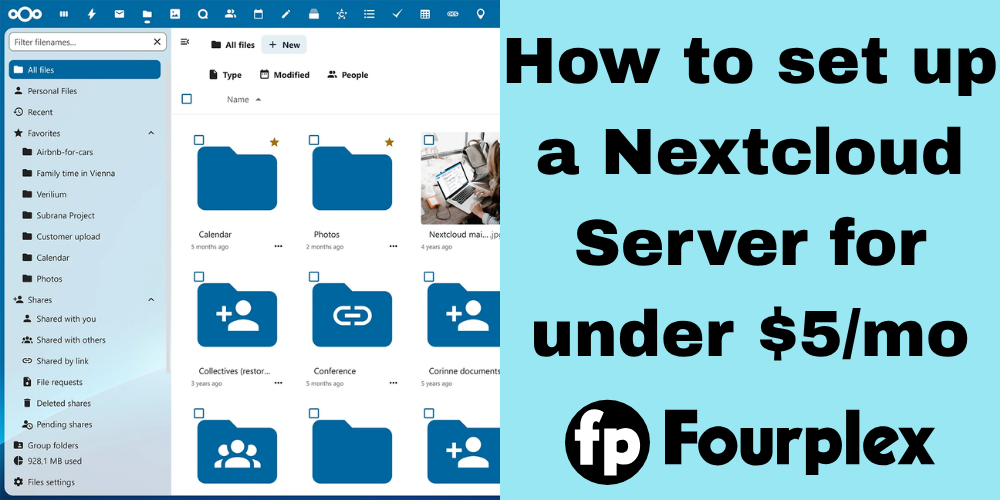
While most people store their files in Big Tech services such as Google Drive, Dropbox and Microsoft OneDrive, many tech-savvy individuals are turning to self-hosted cloud solution Nextcloud.
If you don’t know what Nextcloud is, it is similar to Dropbox or Google Drive, but with one difference: you run it on your own server.
Prerequisites
The following are needed for this guide:
- A Fourplex Storage VPS, or another VPS with a large amount of storage space
- Rocky Linux 10 installed on the VPS
- A domain with A and AAAA DNS records set to your VPS
Guide
- First, if your VPS isn’t running Rocky Linux 10, install it. This can be done in Fourplex’s Virtualizor or your provider’s control panel.
- Log into your server with SSH. This can be done by opening a terminal, and then typing in:
ssh root@IP
If your username isn’t root, replace it with your username and then run:
sudo su - Update the server with:
dnf update -y - Install the epel-release software repository:
sudo dnf install -y epel-release - Enable the copr repository for Caddy:
dnf copr enable @caddy/caddy - Install Caddy:
dnf install -y caddy - Install the Remi PHP repository:
dnf install https://rpms.remirepo.net/enterprise/remi-release-10.rpm - Install PHP and the required modules for Nextcloud:
dnf install vim wget zip unzip libxml2 openssl php84-php php84-php-ctype php84-php-curl php84-php-gd php84-php-iconv php84-php-json php84-php-libxml php84-php-mbstring php84-php-openssl php84-php-posix php84-php-session php84-php-xml php84-php-zip php84-php-zlib php84-php-pdo php84-php-intl php84-php-bcmath php84-php-gmp - Configure Caddy by editing the /etc/caddy/Caddyfile file to include the following:
DOMAIN {
root * /var/www/nextcloud
file_server browse
php_fastcgi unix//run/php-fpm/www.sock
}
Replace DOMAIN with your server’s domain name - Download and unzip the Nextcloud archive:
cd /var/www
wget https://download.nextcloud.com/server/releases/latest.zip
unzip latest.zip
chown -R apache:apache nextcloud - Enable Caddy and PHP:
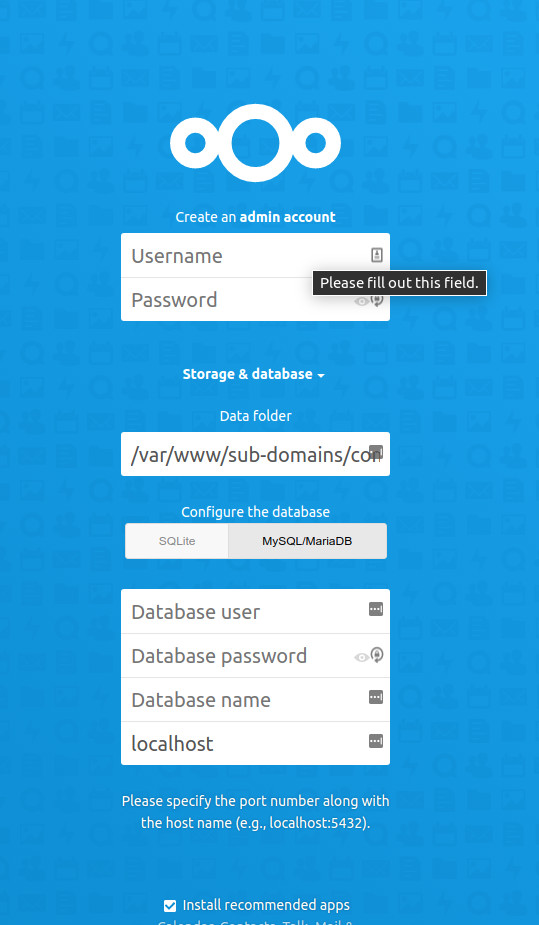
systemctl enable –now caddy php84-php-fpm - Navigate to your Nextcloud’s domain name. It should be self-explanatory from there:
Conclusion
In a world where Big Tech is so dominant and so hard to avoid, Nextcloud is an excellent way to reclaim control of your privacy and data. Unlike Big Tech solutions such as Google Drive and Dropbox, you have a dedicated virtual server just for you (and your friends if you want to share). Say goodbye to pesky terms of service change and letting your files be used for AI training.
And even if privacy wasn’t a concern, look at cost. 200GB of Google Drive costs $8/mo as of March 30, 2026 with the possibility of price increases. A Fourplex Storage VPS gives 1TB for $5/m. Hosting Nextcloud on a Fourplex Storage VPS is a better deal for your wallet. So if you’re on the fence, sign up now!